IDE
Overview
Project tree
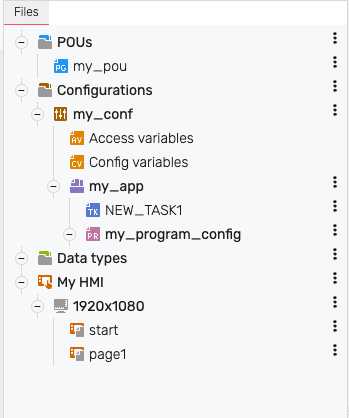
The project tree contains all files and configurations of the project. You can move the elements by dragging & drop. To add or edit items or folders, hover the mouse over the existing items and click the corresponding icons.
Variable declaration
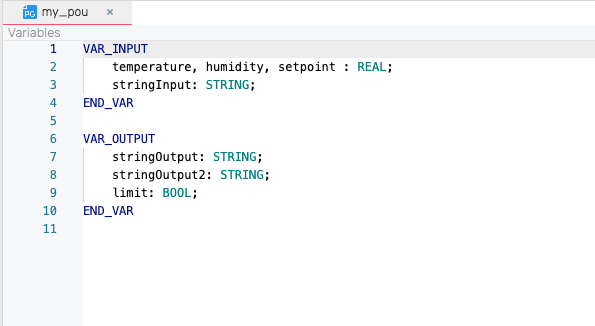
The upper area contains the variable declaration. Here you can declare variables and make settings, depending on which element is selected in the project tree.
Program code
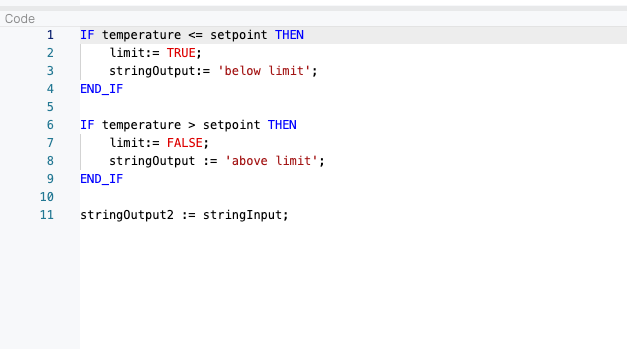
In the area below the variable declaration you can write your program code.
Terminal
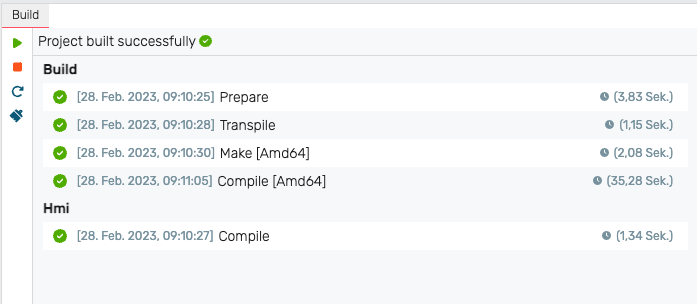
The terminal is located in the lower area. Status information and error messages are displayed here.